



PRODUCT & HOW IT WORKS
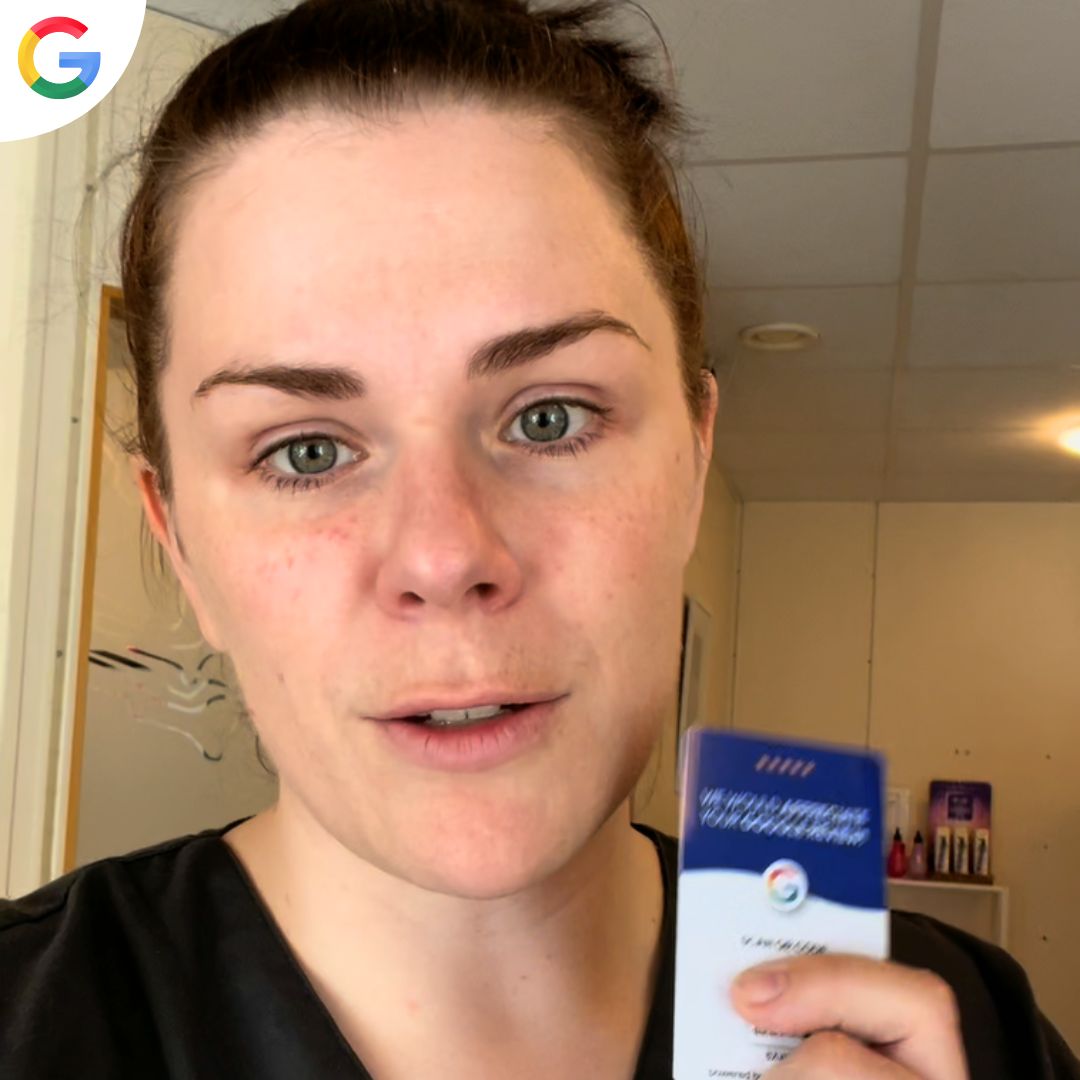
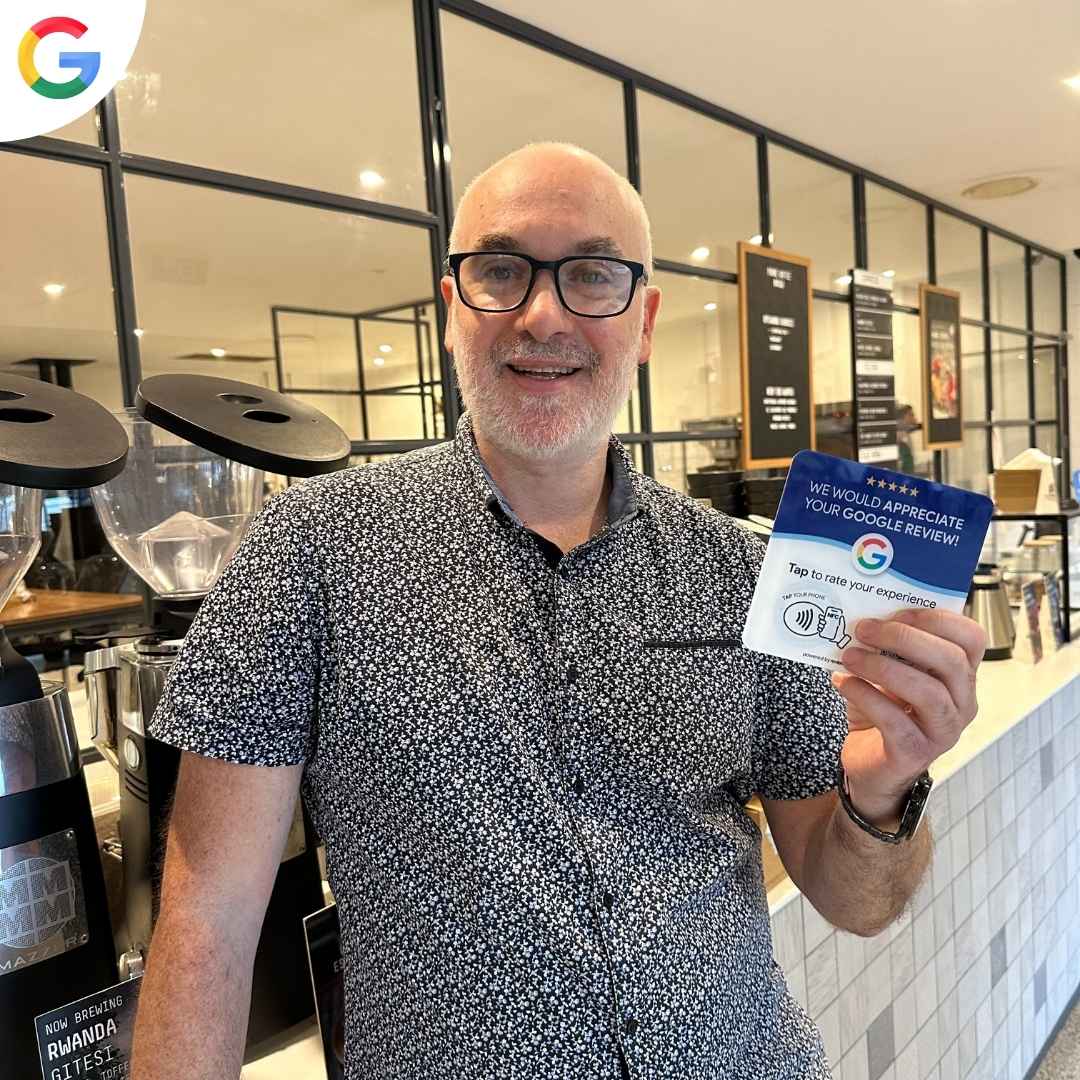
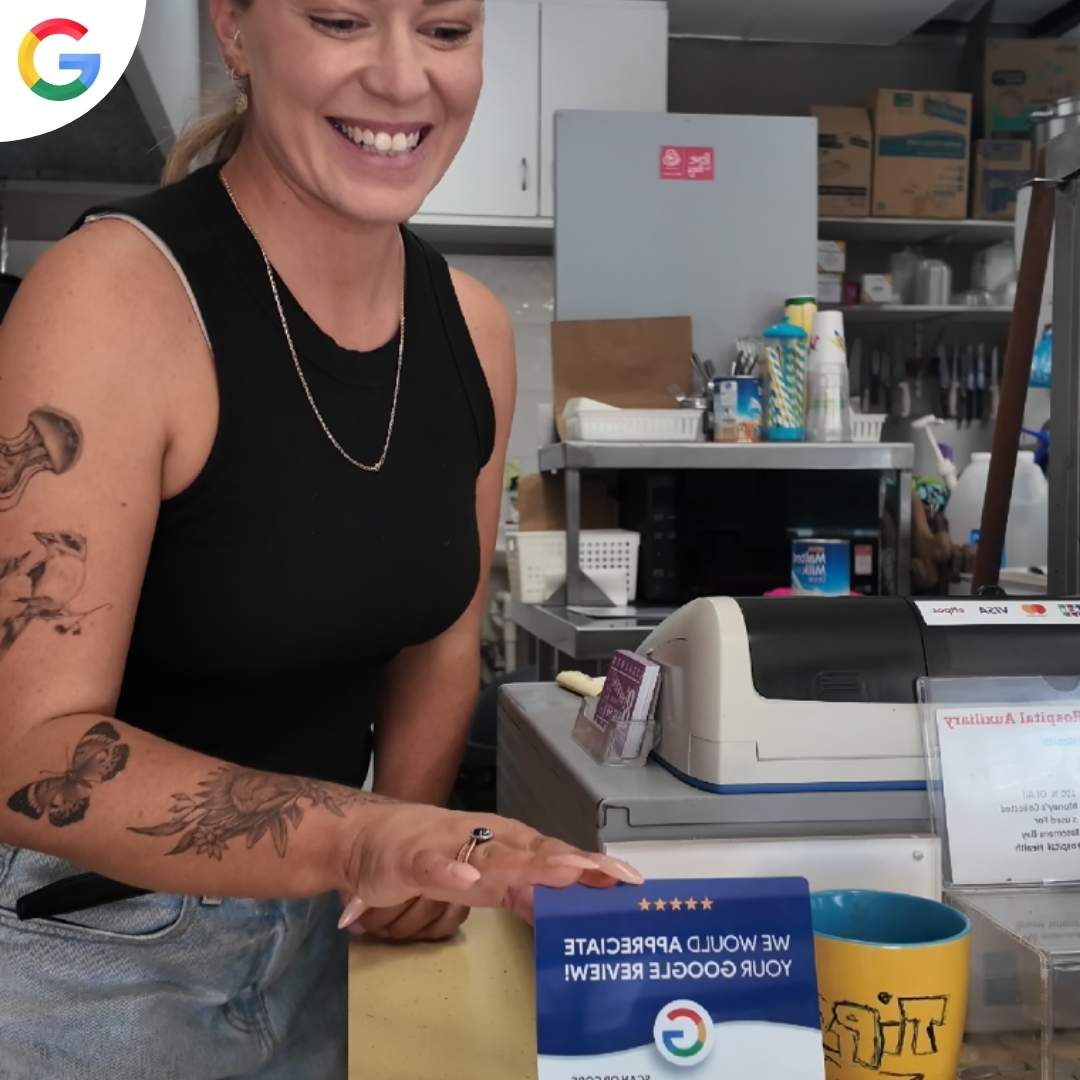
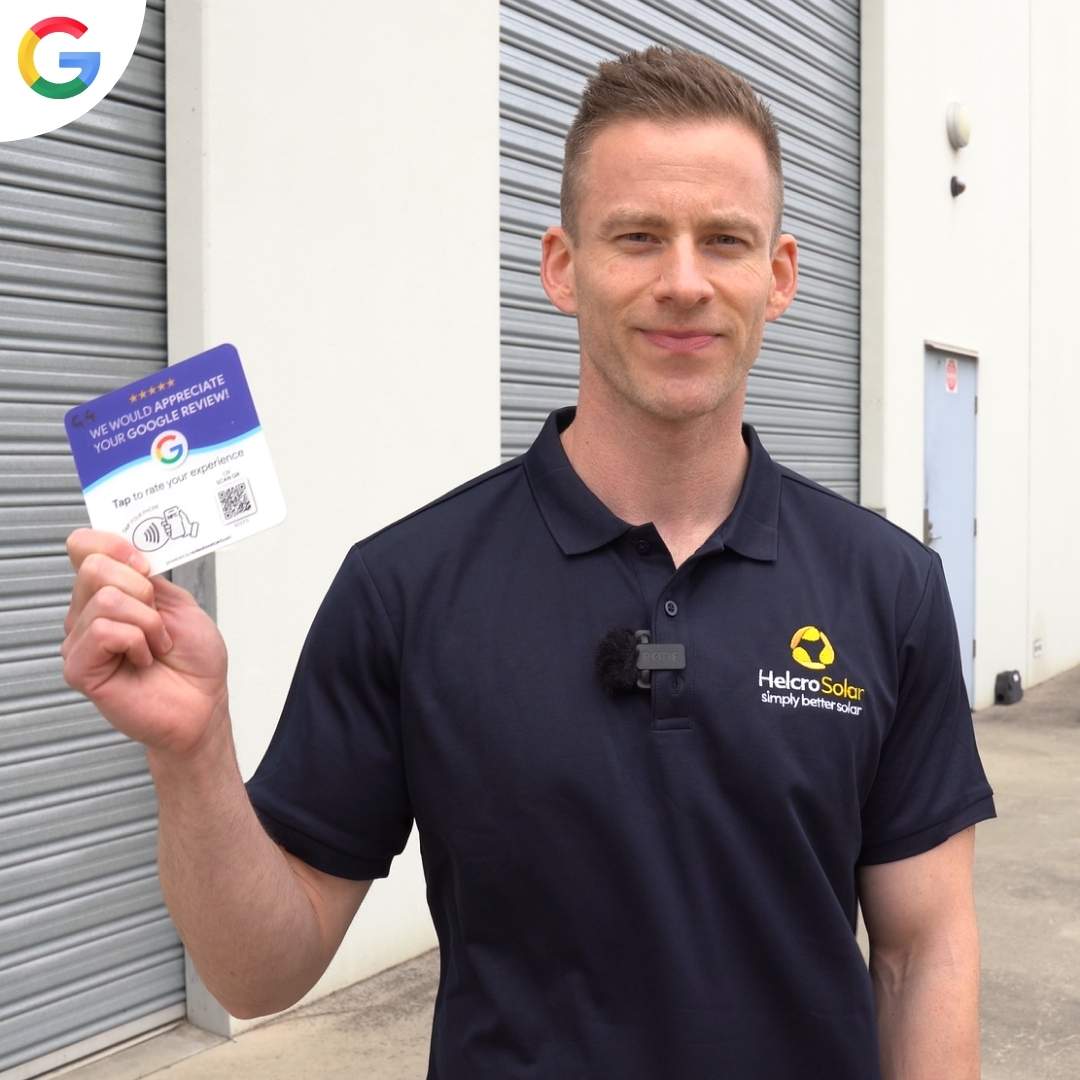
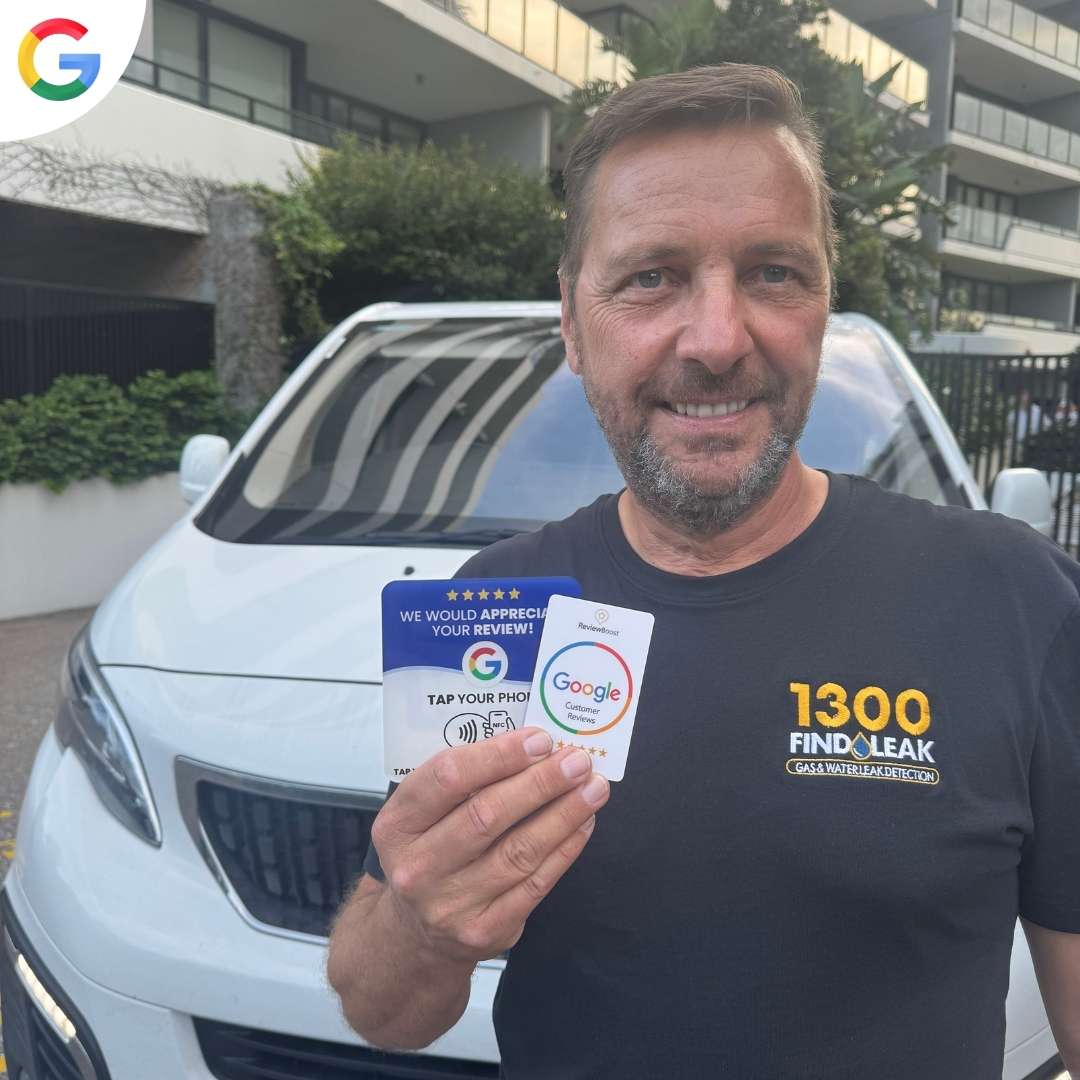
What is ReviewBoost? ReviewBoost is a range of physical products designed to help businesses collect more Google reviews. Each product contains an NFC chip and a dynamic QR code that, when tapped or scanned by a customer, instantly opens your Google review page so they can leave a review in seconds.
What products do you sell? We sell Google review plaques, stands, and cards, as well as Instagram plaques. All products come with NFC and a dynamic QR code built in.
How does it work? Once you activate your product inside the ReviewBoost dashboard, any customer who taps their phone on the product or scans the QR code will be taken directly to your Google review page. No app required on their end.
What is a dynamic QR code? A dynamic QR code means the destination link can be changed at any time inside your dashboard without needing to replace the physical product. If you ever change your Google Business Profile link, simply update it in the app.
What businesses is this suitable for? ReviewBoost works for any business with a Google Business Profile restaurants, cafes, salons, clinics, gyms, retail stores, tradies, service businesses, and more.
Do my customers need an app or account to leave a review? No. Customers just tap or scan and they are taken straight to your Google review page in their browser. All they need is a Google account to submit the review.
Can I use ReviewBoost for Instagram? Yes. We offer Instagram plaques that direct customers to your Instagram profile when tapped or scanned.
ACCESSING THE APP
How do I access the ReviewBoost app? The ReviewBoost dashboard is web-based there is nothing to download. You access it directly from your browser on your laptop or computer.
I don't have an account yet where do I sign up?
Create your free account here: https://review-boost.ai/register
I already have an account where do I log in?
Log in here: https://review-boost.ai/auth/login
Can I access the dashboard on my phone? Yes, the dashboard can be accessed on any device with a browser. However we recommend completing the initial setup on a laptop or computer for the best experience.
SETUP & ACTIVATION
How do I set up my product?
- Open the package and peel off the protective film from the corner of the product many customers miss this step. The product may look scratched but it is just the film.
- Go to review-boost.ai/register on your laptop or computer and create an account.
- Inside your dashboard, go to the My Establishments tab and click Add New Business.
- Type in your Google Business name exactly as it appears on Google, then click Connect to App.
- Go to My ReviewBoost Products, click Add New, select your business, and enter the 5-digit activation code printed on your product beneath the QR code.
- Click Configure Product. Your review link is now live.
You can also watch the full setup video here: https://www.youtube.com/watch?v=lVRscR4cp9U
Where is the activation code? The activation code is printed on the product underneath the QR code. It is a 5-character code, for example: YV3FH.
My activation code is not working what do I do? Double-check the characters carefully. Common mix-ups are the letter O and the number 0, the letter I and the number 1, and the letter B and the number 8. If it still does not work after re-checking, contact us and we will sort it out.
My business does not appear when I search for it what do I do? Try entering your business name exactly as it appears on Google, followed by your full address. For example: Business Name, Street Address. If it still does not appear, contact our support team.
Can I connect multiple locations? Yes. You can connect multiple Google Business Profiles inside the dashboard and assign a different ReviewBoost product to each location.
Can I change the review link after setup? Yes. Log into your dashboard, go to My Products, and update the link at any time. Because the QR code is dynamic, the change takes effect immediately without replacing the product.
SHIPPING & DELIVERY
Where do you ship to? We ship worldwide to over 99 countries.
How long does delivery take? Orders ship within 24-48 hours. Typical delivery is 3-5 business days. We ship from local warehouses in Australia, the UK, the US and Canada; everywhere else ships from the US.
How will I know when my order has shipped? You will receive a tracking number by email once your order has been dispatched. If you cannot find it, check your promotions tab and spam folder.
What couriers do you use? Australia Post in Australia, Royal Mail in the UK, USPS in the US and Canada Post in Canada, with DHL and YunExpress for other countries. Every order is tracked.
My order has not arrived what should I do? If your order has been in transit for fewer than 21 days, it is still within the normal delivery window. Check your tracking link for the latest update. If it has been more than 21 days with no delivery, contact us and we will send a replacement or issue a refund.
My tracking says delivered but I have not received it what do I do? Contact us straight away and we will investigate and resolve it for you.
RETURNS & REFUNDS
What is your returns policy? We offer a 30-day money-back guarantee on all products. If it is not getting you more reviews, contact us within 30 days of delivery, send it back and we refund the order in full.
How do I get a refund? Contact our support team and we will provide return instructions. Once the product is returned, your refund will be processed. Return shipping costs are covered by the customer.
My product arrived damaged what do I do? Send us a photo of the damage and we will send you a replacement at no cost.
Can I change or cancel my order? Order changes and cancellations are only possible before the order has been shipped. Orders typically enter processing within a few hours of being placed, so contact us as soon as possible if you need to make a change.
NFC & QR TROUBLESHOOTING
The NFC is not working what do I do?
- Make sure NFC is enabled in your phone settings.
- Make sure your phone is unlocked.
- Tap near the top of your phone directly on the product.
If it still does not work, try the QR code instead, or contact our support team.
The QR code is not working what do I do? Try using the NFC tap instead. If neither is working, contact us and we will resolve it.
The QR code or NFC is opening the wrong page what do I do? Log into your ReviewBoost dashboard, go to My Products, delete the product, and set it up again with the correct review link. If the issue continues, contact support and we will configure it manually for you.
Does NFC work on all phones? NFC works on most modern smartphones. If your phone does not support NFC, the QR code works as an alternative on any device with a camera.
SOFTWARE & DASHBOARD
Do I need the software to use the physical product? You need a free ReviewBoost account to activate your product and connect it to your Google Business Profile. The free plan covers this at no cost.
What does the Pro plan include? The ReviewBoost Pro plan ($49.99/month) includes automated review request campaigns, AI-generated review replies, a social media scheduler, customer surveys, and a website chatbot.
How do I send review requests to my customers? Inside the dashboard you can add customer contacts manually or import them from your CRM. Review requests are then sent automatically.
How do I reply to my Google reviews? The Pro plan includes AI-generated review replies. You can review and post them directly from your dashboard.
How do I schedule social media posts? Connect your social media accounts under Social Connections in your dashboard. Supported platforms are Facebook, Instagram, LinkedIn, and X (Twitter).
How often does the dashboard sync with Google? Reviews are pulled from Google once per day. New reviews can take up to 24 hours to appear in your dashboard.
How do I reset my password? Use the Forgot Password option on the login page at review-boost.ai.
How do I install the website chatbot? Copy the script from your dashboard and paste it into the header of your website. If you need help, our team can install it for you just contact support.
STILL NEED HELP?
Contact our support team at info@reviewboostcard.com or via live chat on the website. We typically respond within a few hours.